Installing the casino app on Android#
- Open the partner casino in Chrome on your phone.
- Scroll to the footer, tap Install and choose Android.
- Tap Download and open the file when it finishes. Android may ask once to allow installs from Chrome.
- Launch the app, sign in or register, and search the lobby for Happiest Christmas Tree.
The APK page covers the installer file in more detail.
Playing in Chrome#
The browser route needs no install at all. Sign in at the partner casino, open the Habanero games or search for the title, and the slot loads in the page. Chrome’s Add to Home screen option creates a shortcut to the casino site if you want an icon without the app.
On the screen#
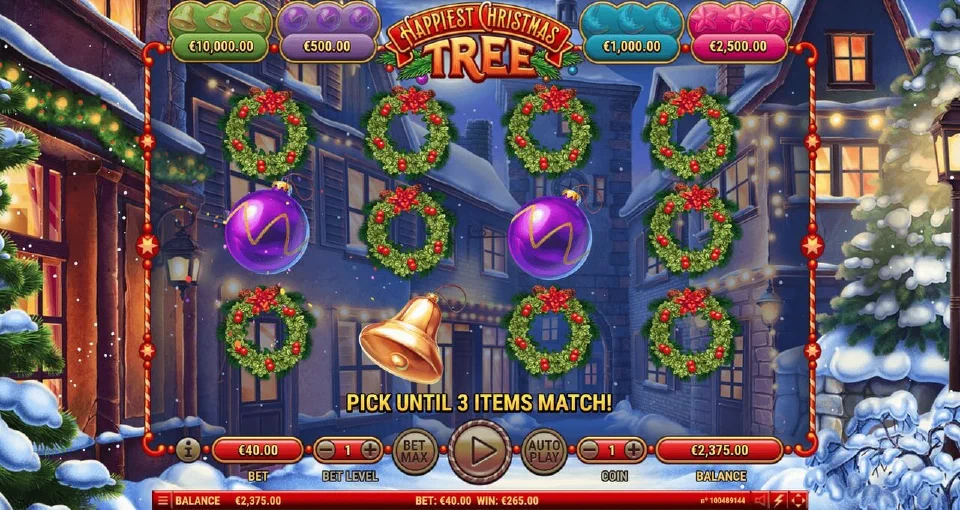
In portrait the four Prize Pot counters sit above the reels and the bet panel below them. Turning the phone sideways switches to the wide layout. The stake controls, autoplay and the help pages work the same as on a computer, and the 40 lines, paytable and RTP of the copy you open stay identical across devices.
 Partner casino